 COME
COMECOME Version Numbers and Update Labels: How to Compare Them
Use a numbered release to compare versions. A Check Update status or a number on promotional artwork answers a different question and should not replace the version shown for your installed app.
Start with the installation you already use
Open the app information on your Android phone and note the version if it is displayed. Keep that note with the date you checked it. If you have more than one similarly named app, confirm which one you opened before comparing anything. A home-screen name alone is a weak identifier.
Read Check Update in context
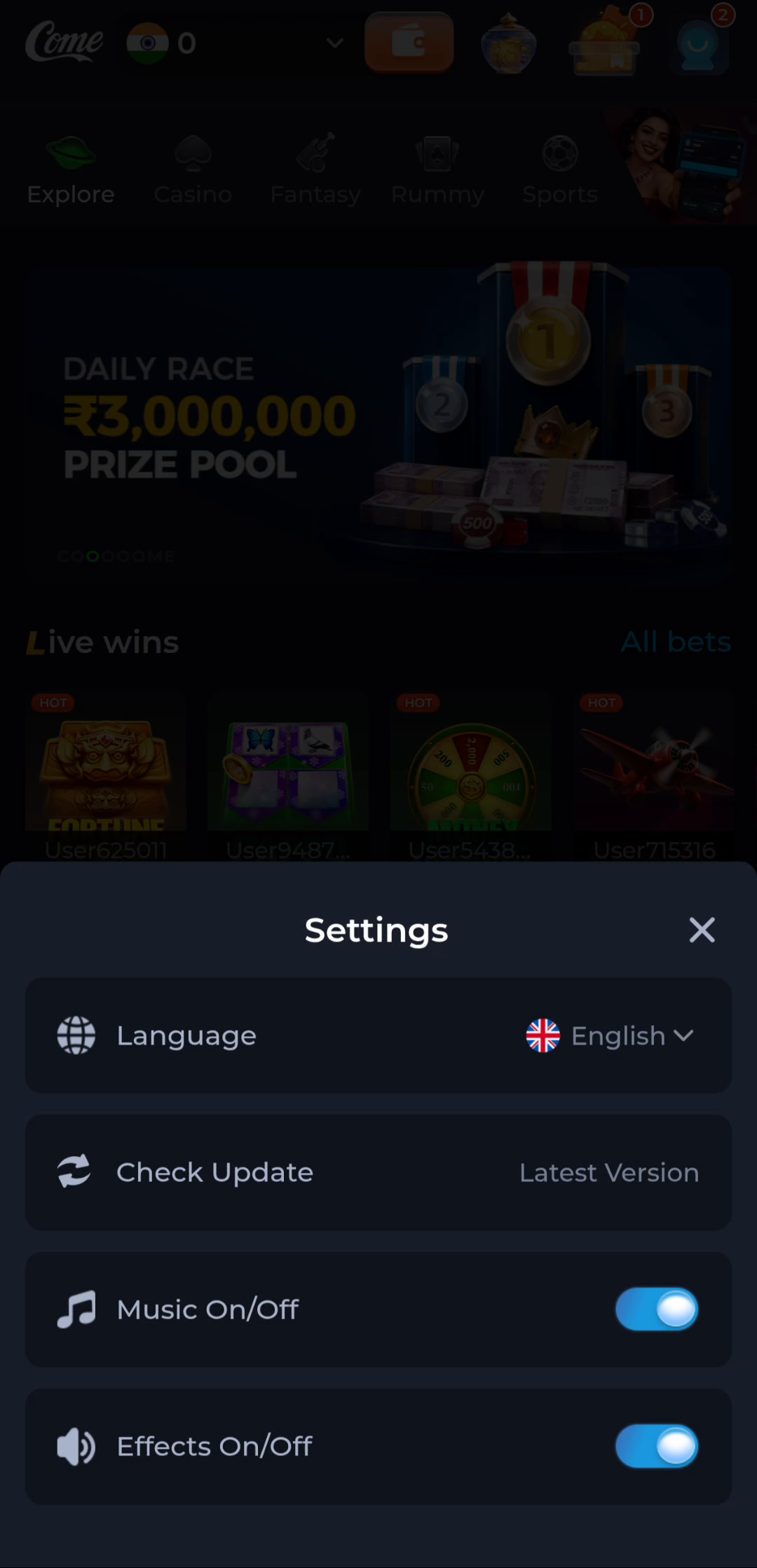
The COME Settings screen includes Check Update with a Latest Version status. This tells you what that screen reported when it was viewed; it is not a numerical release history. Open the same control in your own installation and read any instructions before taking action.
Keep artwork separate from file details
COME Sports artwork can carry an edition label such as 2.0. That branding should not be compared directly with an APK release number unless the download provider explains their relationship. Use the file listing and installed-app details for the actual comparison.
Decide whether to proceed
Check that the offered file belongs to the same app, then compare its stated version with the one on your device. If the labels conflict or the file has no usable identity information, pause the update and ask the destination service for clarification. Do not uninstall a working app merely to force a different file to install.
Keep a useful comparison note
Record the installed version, the offered version, the source address and any warning. Leave passwords and verification codes out of the note. This gives support a specific mismatch to investigate without exposing account access.