 COME
COMECOME Settings, Account and Help: Which Menu Do You Need?
Use Settings for preferences, Account for account-related tasks and Contact CS for help. Choosing the right area first prevents an app preference question from turning into unnecessary account changes.
Read the menu by purpose
The account menu shown here includes Account, Contact CS, Settings and Logout. These entries are separate controls. A question about sound belongs with preferences; a forgotten sign-in belongs with account help. Opening a menu is not the same as authorising a change to an account.
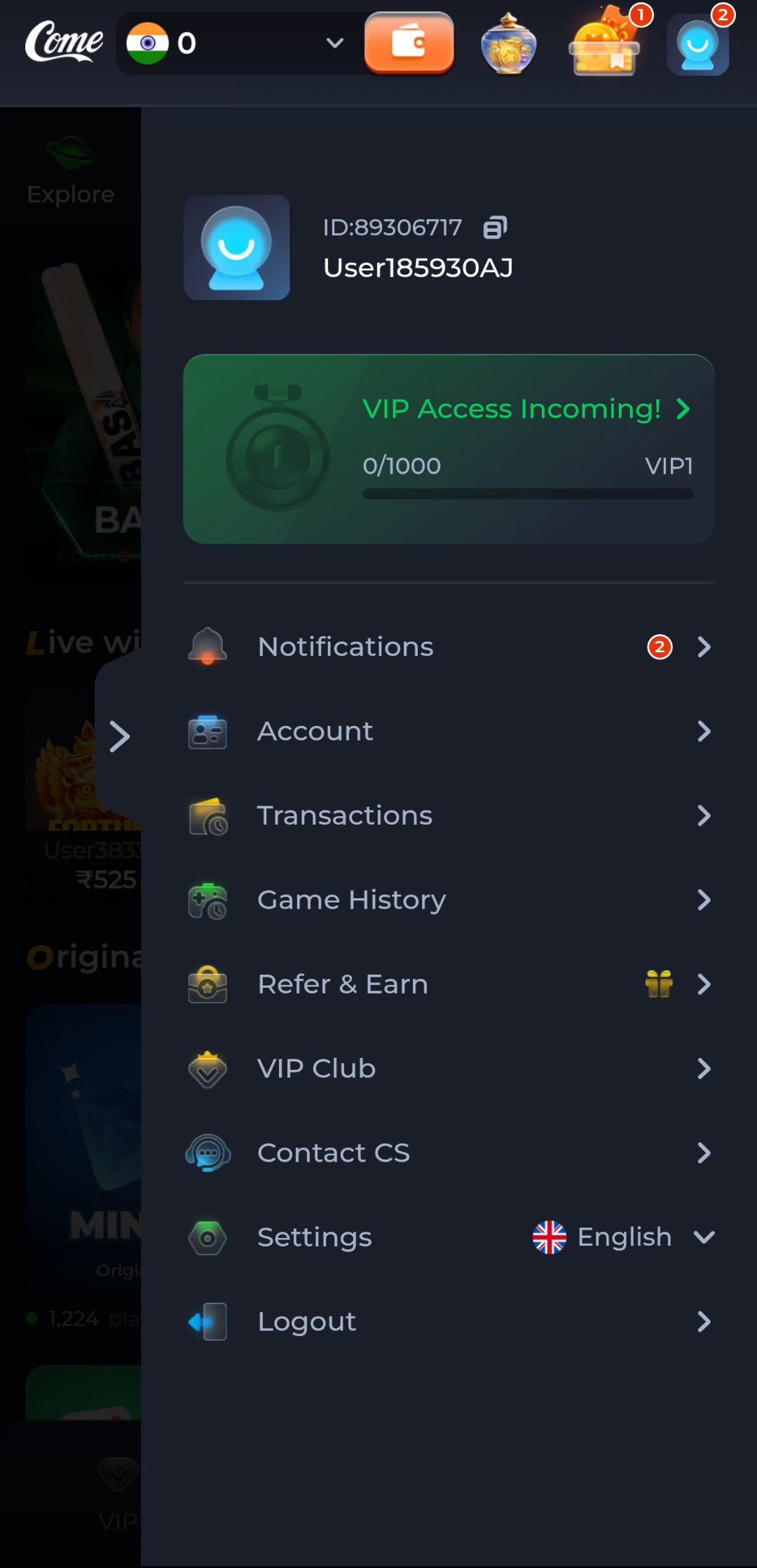
Preferences have a narrow job
COME Settings shows Language, Check Update, Music and Effects. Language changes how a screen is presented, while music and effects concern audio. These labels do not describe Android installation permissions. For device permissions, inspect the app information on the phone itself.
Help starts with a precise question
The Customer Center groups general topics such as Forgot Password and Network Issue. State what you were doing, what appeared and whether the problem happened in a browser or the installed app. That context is more useful than saying that everything is broken.
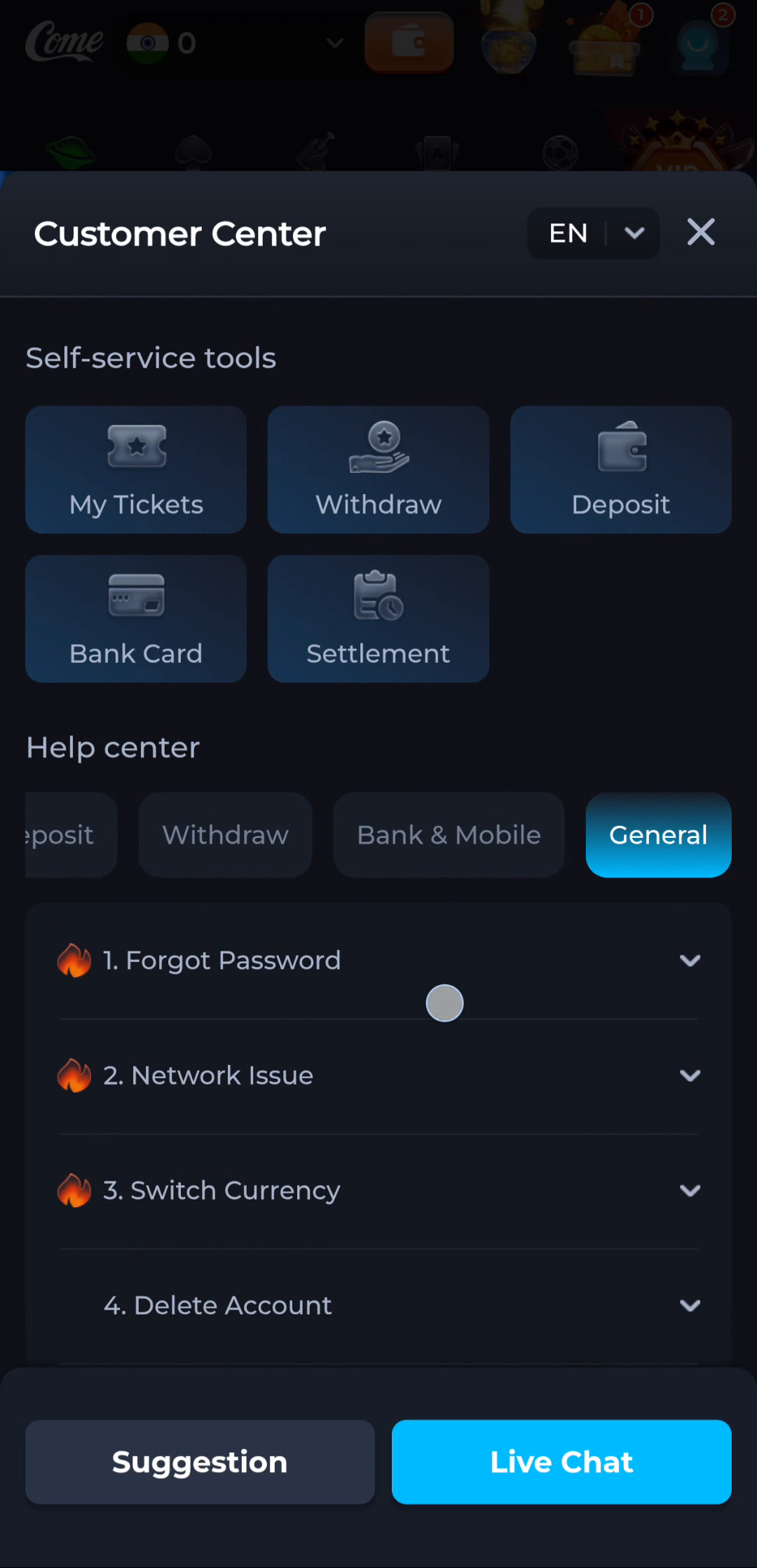
Avoid changes that do not solve your task
Do not log out simply to locate a setting, and do not reinstall to change a sound preference. If you do need to change an installation, first make sure you can regain account access. Menu names and available support options may differ between versions.
Protect personal details
When recording a problem, leave account identifiers out of public screenshots where possible and never include passwords or one-time codes. Use the support route presented by the service you are actually using, rather than a contact name copied from an unrelated page.